
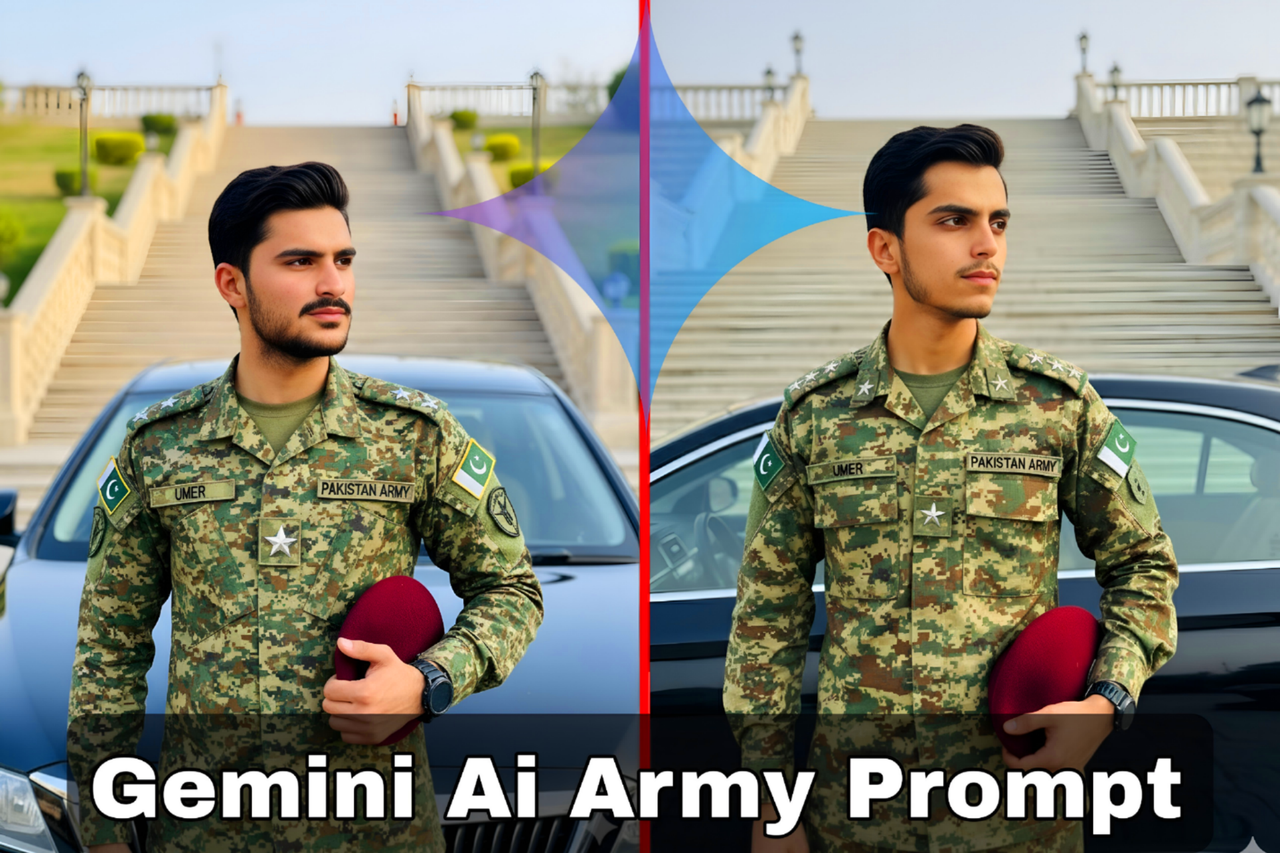
Google Gemini AI Army Officer Photo Prompt
How to Generate Your Army Officer AI Photo:
- Click Copy Prompt below.
- Open Google Gemini.
- Paste the prompt into the text box.
- Upload your reference photo to keep your face 100% original.
- Click Generate and wait a few seconds — Gemini will create your realistic image.
Note: Google Gemini is now trending for creating hyper-realistic and viral AI photos. Many users are making professional army and uniform edits using this powerful AI tool.
Prompt
Create a high-quality, realistic image of a young man, with his face and identity 100% identical to the provided reference image, wearing a full Afghanistani Army digital camouflage uniform. He has rank insignias on his shoulders and a star on his chest, along with "UMER" and "PAKISTAN ARMY" name patches. Pakistan flag patches are on his sleeves. He is wearing a smartwatch on his left wrist and holds a maroon beret in his right hand. He is standing with a slight turn to his right, looking confidently to the side. Behind him is a black car, and a grand set of outdoor stairs rises in the background. The lighting is natural and bright, capturing realistic textures of the uniform and environment, with a shallow depth of field to keep the focus on the subject.
Post a Comment